M-Pesa payments built in
Daraja integration sends an STK push to the customer and confirms the payment against the sale instantly.
Built in Kenya, for Kenyan business
Zeni POS takes M-Pesa payments straight into your sale, issues KRA eTIMS tax invoices through DigiTax, keeps selling when the internet drops, and shows real-time stock and profit for every branch — from your phone, tablet or shop computer.
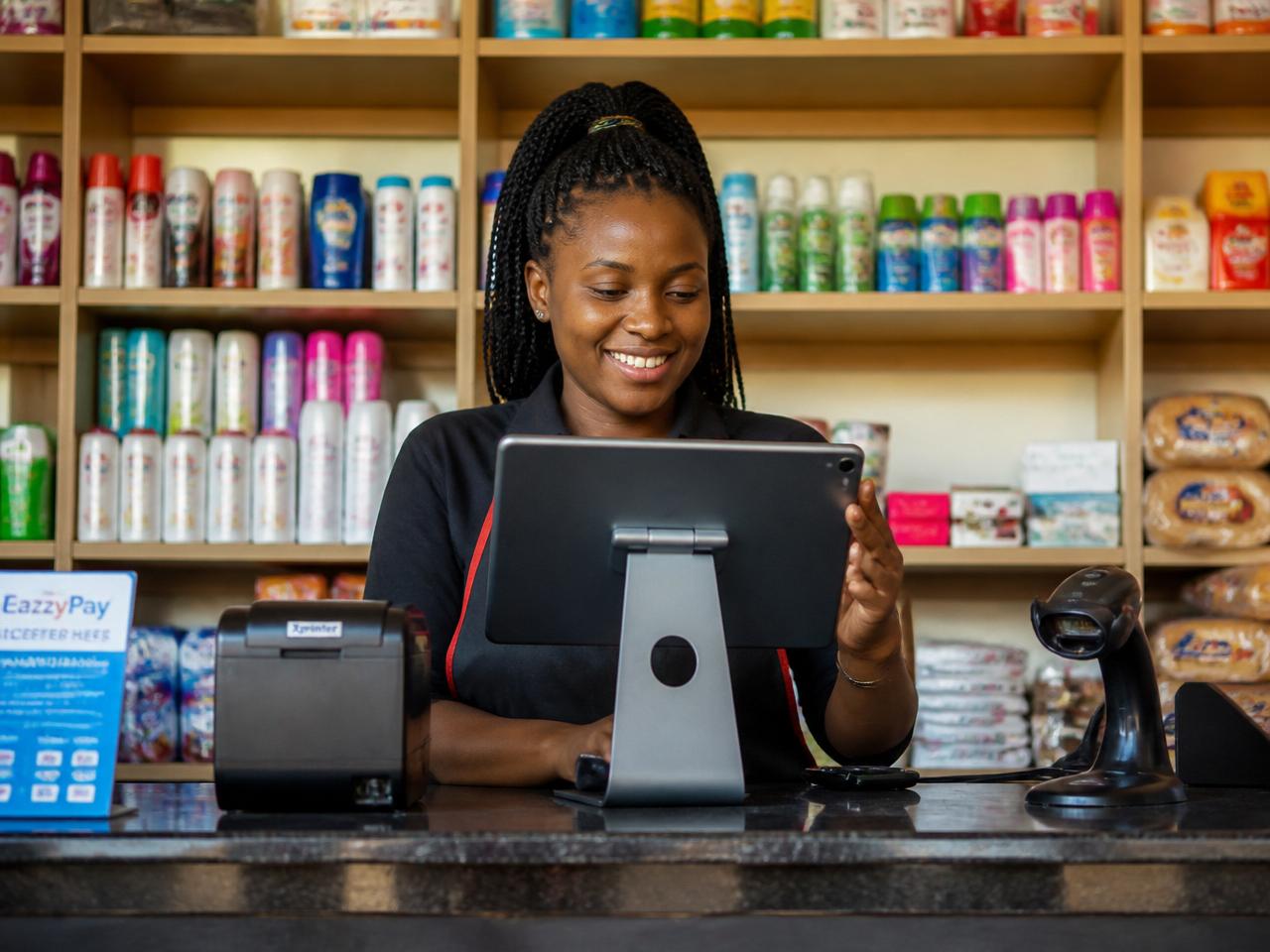
The daily reality
Live stock counts and low-stock alerts on your phone, so you reorder sugar and unga before the shelf is empty.
M-Pesa payments are matched to each sale automatically, so closing time takes minutes instead of an hour.
Barcode or quick-tap selling on any device, with multiple tills open on busy evenings and month-ends.
One dashboard shows sales, stock and staff performance for every duka or outlet, wherever you are.
Core features
Daraja integration sends an STK push to the customer and confirms the payment against the sale instantly.
Keep ringing up sales and printing receipts when the network drops. Everything syncs when you reconnect.
Stock levels update with every sale, with reorder alerts and expiry tracking for fast-moving goods.
Run several outlets and tills under one account, transfer stock between branches and compare performance.
Cashiers sell, supervisors discount, owners see everything. Every action is logged to the person who made it.
See daily takings in shillings, gross profit per product and which lines actually earn their shelf space.
Fiscal tax invoices from the till via DigiTax, a KRA-licensed OSCU integrator — QR receipts, VAT breakdown and no extra invoicing portal.
No costly terminal needed. Start on an Android phone and add a receipt printer or scanner when you're ready.
Industries we serve
Same reliable engine, configured for how your counter actually works.
Fast barcode checkout, multi-till queues and daily stock counts for busy dukas.
Batch and expiry tracking, prescription notes and controlled-stock reports.
Table and tab management, kitchen tickets and waiter accountability.
Service menus, stylist commissions and walk-in versus booked clients.
Serial numbers, warranties, bulk pricing and supplier credit tracking.
Tot sales, crate returns and shift-by-shift cash reconciliation.
Seed, feed and chemical stock in bags or litres, plus seasonal demand reports.
Phone till, M-Pesa and stock for one-attendant shops that cannot afford a frozen counter.
Fast nyama counter sales, mixed lines, M-Pesa closeouts and stock discipline.
How it works
Book a demo, tell us about your shop and we create your account the same day.
We import your product list and walk through KRA eTIMS onboarding with DigiTax so till receipts can be fiscal invoices.
Train your cashiers in under an hour and start taking cash and M-Pesa payments.
Watch daily sales, margins and stock from your phone and open the next branch with confidence.
Real customer proof
Verified product screenshots shared by a live customer show Zeni POS in real daily operations: checkout, transactions, products, inventory, and financial reporting.
Customer: Max Yield Gold LTD (Retail Shop POS)
Observed usage: Dashboard, Point of Sale, Transactions, Products, Inventory, and Profit & Loss.
View full case studyCustomer: Top Ranch (Retail Shop POS)
Observed usage: Dashboard, Point of Sale, Products, Inventory, and Profit & Loss with stock-heavy workflows.
View full case studyLive sales overview, stock alerts, and recent sales widgets.
Product grid checkout flow and cart-side sales workflow.
Transactions list with order status and totals.
Pricing, stock status, and margin visibility per item.
45 products tracked, 34 in stock, and 11 out of stock in the sample snapshot.
Revenue, gross profit, expenses, and net profit reporting modules.
Evidence-backed operations, not marketing mockups
Real customer UI captures from Max Yield Gold LTD and Top Ranch demonstrate production-ready usage across core modules.
Pricing
What you pay depends on how many tills, branches and staff accounts you run. We put the full figure in writing before you commit — no surprise charges on top of every sale.
Kenya POS searches
Dedicated guides for the terms Kenyan owners actually type: POS machine, Android POS, M-Pesa till integration, inventory software and city support.
From the blog
Practical POS system, M-Pesa, inventory and pricing guides for Kenyan shops, restaurants and pharmacies.
Software, setup, hardware and hidden fees — what a POS system actually costs Kenyan shops in 2026.
Read articleReceiving, cycle counts and role controls that cut shrinkage in Kenyan retail.
Read articleA practical buyer guide for tables, kitchen flow, tabs, M-Pesa and shift reporting.
Read articleCheckout speed, barcode stock control and M-Pesa reconciliation for minimarts.
Read articleHow STK push tied to the sale reduces SMS mismatches and speeds closeout.
Read articleKeep selling during fibre and mobile-data cuts without freezing the queue.
Read articleFAQ
Book a free 20-minute demo and we will walk you through selling, M-Pesa and stock using your own products. No obligation, no card needed.
Placeholder contact details — swap in the real WhatsApp line and demo booking link.